PC Build Compatibility Checklist: CPU, RAM, GPU, PSU and Case
Editorial guide · researched through 2026-10-23. No first-hand testing or live prices are claimed. Manufacturer specifications and independent research are distinguished below. Regional, software and…
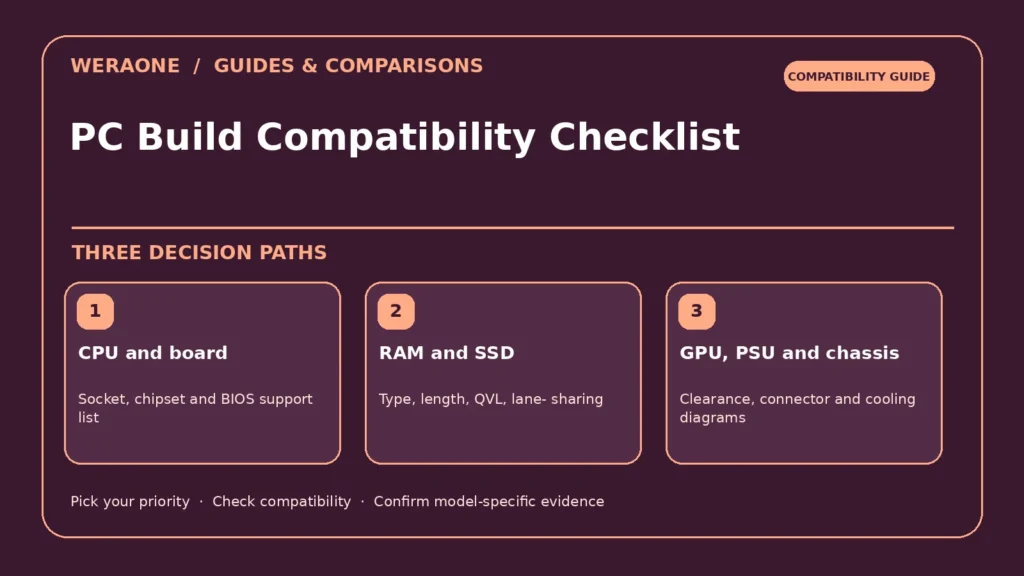
Editorial guide · researched through 2026-10-23. No first-hand testing or live prices are claimed. Manufacturer specifications and independent research are distinguished below. Regional, software and configuration differences may apply.
Buying individually attractive PC parts does not mean they will assemble into a working machine. The major failure points are socket and BIOS mismatches, incorrect memory type, GPU clearance, insufficient power connectors and cooling hardware that does not fit the chassis. A compatibility site can catch common conflicts, but the motherboard, graphics card, power supply and case manuals remain the authoritative sources. Work through this checklist before discarding packaging or opening a return-sensitive part.

Quick decision table
| Priority / scenario | Practical approach | Verify before purchase |
|---|---|---|
| CPU and board | Socket, chipset and BIOS support list | AM5 and LGA1851 cannot mix |
| RAM and SSD | Type, length, QVL, lane-sharing | XMP/EXPO stability not guaranteed |
| GPU, PSU and chassis | Clearance, connector and cooling diagrams | Exact board dimensions vary |
1. CPU, socket, chipset and BIOS
Confirm the processor fits the exact motherboard socket and appears on that board's CPU support list. An AMD Ryzen 9000 desktop CPU belongs to the AM5 ecosystem; Intel Core Ultra 200S desktop processors use LGA1851. These are physically and electronically different platforms. Even with the right socket, a new processor may need a newer BIOS. Some boards have a BIOS-flash feature without a working CPU; others require a supported processor to update. Download the manual and determine the update path before assembly. Do not assume all boards of the same brand share identical BIOS support.
2. Memory kit and storage lane map
Check DDR generation, DIMM type, capacity and qualified memory speeds against the motherboard and CPU. Desktop DDR5 does not fit DDR4 slots. A two-DIMM kit can be easier to stabilize than four modules at aggressive overclocked rates; profiles such as EXPO or XMP are not guaranteed on every pairing. Read the manual's slot population order. SSD compatibility involves M.2 key, physical length, NVMe/SATA protocol, PCIe bandwidth and shared lanes. Installing a drive in one slot may disable a SATA connector or reduce an expansion slot's resources on some boards.
3. GPU dimensions and real power delivery
Confirm maximum supported graphics card length and thickness, accounting for front radiators and power cable bends. An AMD RX 9070 XT product page lists 304 W typical board power and 750 W recommended PSU; that is a product-specific reference, not a rule for every gaming system. Check your exact partner board's connectors, required dedicated PCIe leads and allowed adapter approach. A PSU's advertised wattage alone says little about protection quality or connector availability. Choose reputable electrical testing and leave power headroom for the complete configuration.
4. Cooler, case airflow and physical access
Match the cooler's mounting hardware to the socket, then verify height in an air-cooled build or supported radiator thickness in a liquid-cooled build. Inspect whether top radiators interfere with tall memory heatsinks or motherboard VRM shrouds. Arrange front-to-back airflow that does not starve the graphics card. Small form-factor cases demand special attention to PSU form factor, CPU cooler volume and cable routing. Test fan connections and plan dust-filter access before installing storage brackets that block them.
5. Boot and verification sequence
Build a minimalist first boot with one monitor, necessary RAM, boot drive and cooler attached. Check the UEFI-reported CPU, memory quantity, storage detection, temperatures and fan rotation. Update firmware following the manufacturer procedure, then enable memory profiles after stock operation is stable. Run reputable diagnostic tools and monitor errors before applying overclocks or undervolts. Keep receipts and part serial numbers. The correct result is a machine that is stable in your intended workload, not just a computer that briefly displays a BIOS screen.
Before you pay: verification checklist
- Save manuals and compatible part numbers
- Sketch all physical and electrical connections
- Confirm BIOS flash and firmware prerequisites
- Do stock-speed stress and stability checks
Frequently asked questions
Will any PCIe graphics card fit any PC?
No. Slot interface, space, firmware behavior, PSU power and connectors all need checking.
Can DDR4 memory be used on an AM5 DDR5 board?
No. These are different module and memory ecosystems.
Related WeraOne decision guides
- AMD Ryzen vs Intel Core Ultra Desktop CPUs: Choose the Platform
- GeForce RTX 5070 vs Radeon RX 9070 XT: Beyond the VRAM Number
Sources and further reading
These links document the technical claims and cited independent research. Product-specific availability and prices are not verified here.
- AMD: Ryzen Desktop Processor Product Listings — Processor model specifications and power declarations (manufacturer).
- Intel: Core Ultra 200S Series Datasheet — LGA1851 platform and processor requirements (manufacturer).
- AMD: Radeon RX 9070 XT Official Specifications — 9070 XT VRAM, board power, PSU recommendation and ports (manufacturer).
- NVIDIA: GeForce RTX 5070 Family Specifications — 5070 VRAM, bus, features (manufacturer).
Source review date: 2026-10-23. Draft only; verify current firmware, product revisions, pricing and local availability before publication.